- Foundation of Algebra or Pre-Algebra (School Based) or Grade 6/7 Math
- VDOE-Aligned Algebra I | Virginia Department of Education
- Algebra 2 with Analytical Geometry
- Algebra IOWA | Iowa Algebra Aptitude Test (IAAT)
- Pre-Algebra (Competition Based) or Grade 7/8 Math
- Algebra Elementary I Algebra Honors 1.5
- Algebra 2 with Trigonometry
- MOEMS- Kangaroo Training & Practice | Math Olympiads for Elementary & Middle Schools
- MathCounts Chapter & AMC 8 Concept Practice
- MathCounts State, AMC 10 Concept Practice & AIME Prep
- SOL Geometry Exam Prep – Master the Standards
- MOEMS - Kangaroo Exam Prep | Mathematical Olympiads for Elementary & Middle Schools
- MathCounts Chapter & AMC 8 -Exams
- MathCount State & AMC10 -Exams
- SOL Exam Prep – Master the Standards
- TA Elementary Division Theory - Contest Years 2001-02 to 2025-26
- TA ACSL Junior Division Theory - Contest Years 2001-02 through 2025-26
- TA ACSL Junior Division Coding - Contest Years 2001-02 through 2025-26
- TA Classroom Division Theory - Contest Years 2001-02 to 2025-26
- TA Junior Division Theory & Coding - Contest Years 2001-02 to 2025-26
- TA Intermediate Division Theory - Contest Years 2001-02 to 2025-26
- TA Intermediate Division Coding - Contest Years 2001-02 to 2025-26
- TA Intermediate Division Theory & Coding - Contest Years 2001-02 to 2025-26
- ACSL Senior Division Theory - Contest Years 2001-02 through 2025-26
- ACSL Senior Division Coding - Contest Years 2001-02 through 2025-26
- TA Senior Division Theory & Coding - Contest Years 2001-02 to 2025-26
- TA Junior Division Theory - Contest Years 2001-02 to 2023-24
Team and Course Enrollment Steps on TalentAcademy Website
1) Visit the TalentAcademy Website
Go to https://talentacad.com/
Click on Register and Login from the top-right corner of the homepage.
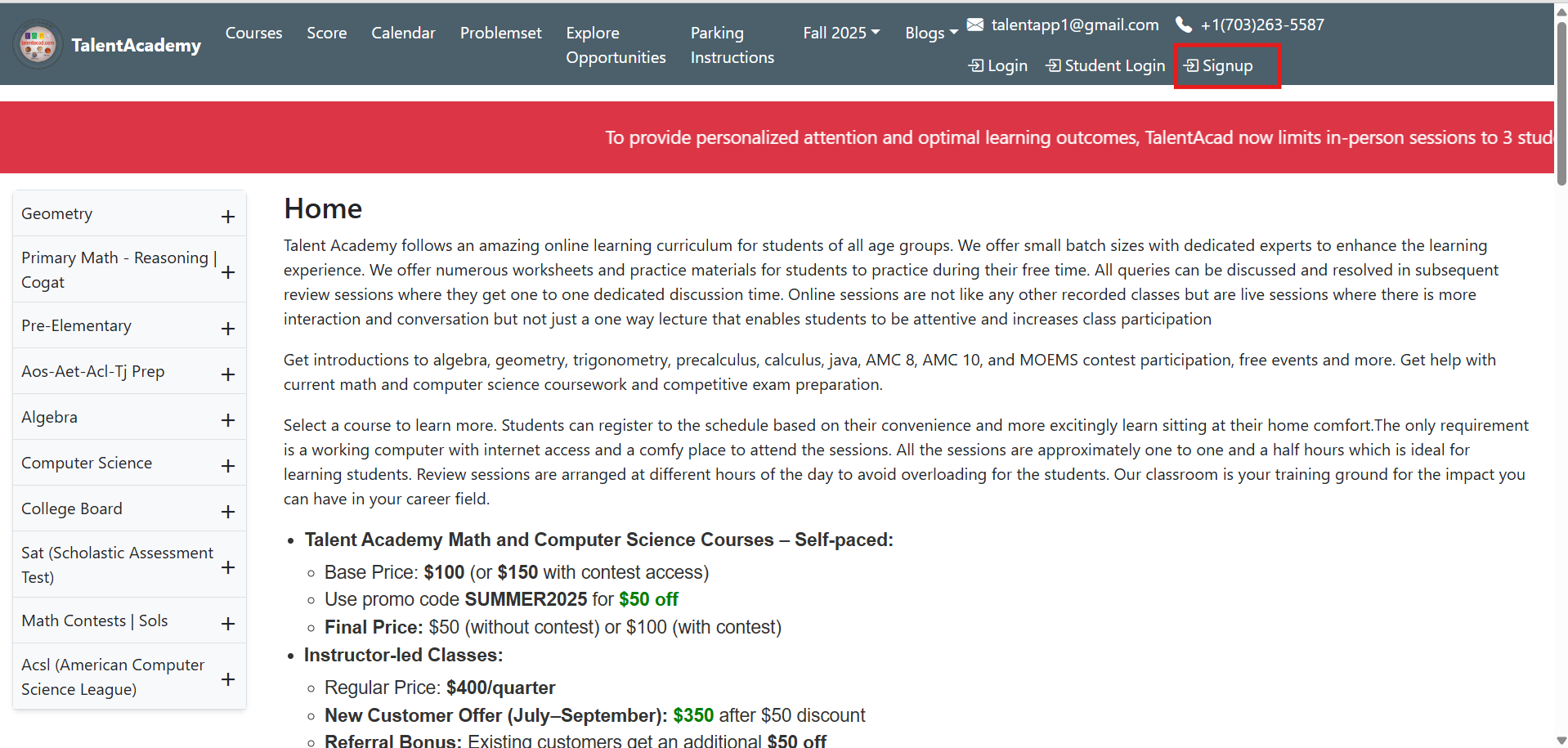
2) Register or Login
- New users: Create a new account by completing the registration form
- Existing users: Log in using your registered email and password
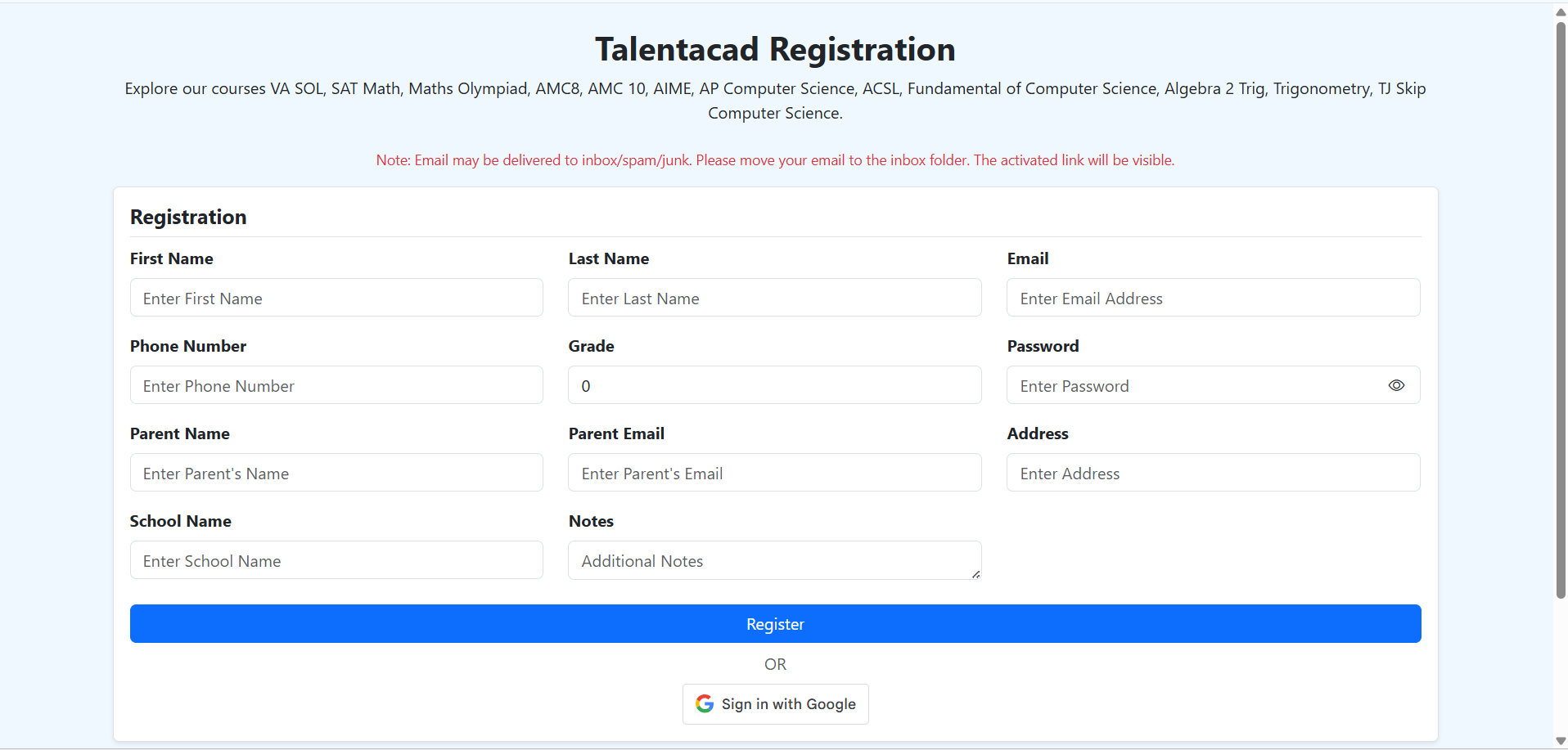
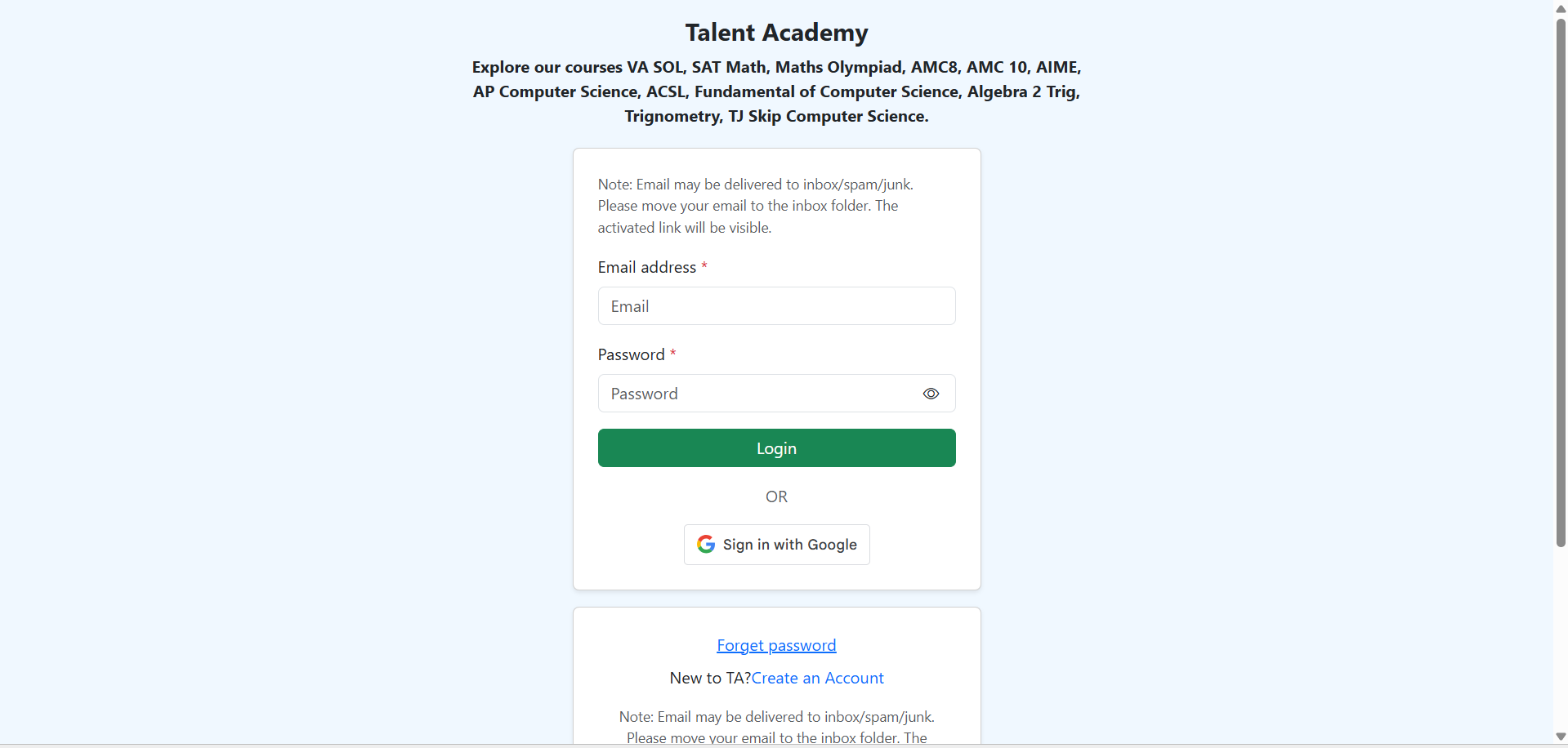
After successful login, you will be redirected to the Dashboard.
3) Access the Dashboard & Select Team
From the Dashboard, go to Teams
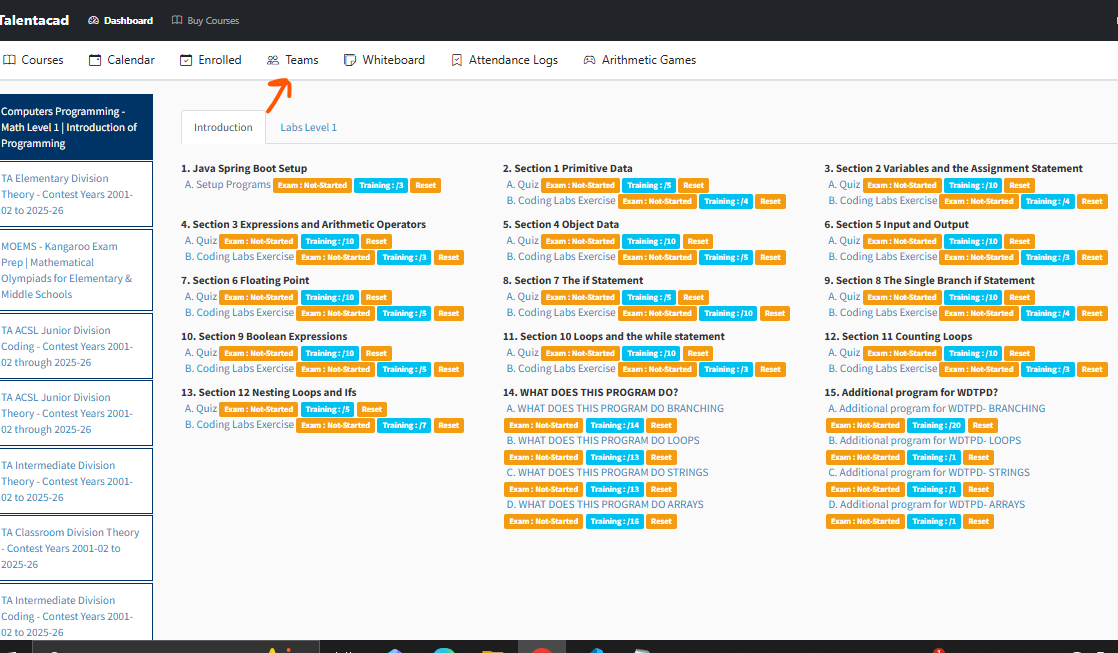
Search for the team you want to manage
Select the team where you want to add students
Note: If you want student names to appear on contest scores, team fees must be paid.
4) Add Students to the Team
Open the selected team
Add students by entering name and email
Students will receive email invitations to join
5) Pay Team Fees (if applicable)
If you want students’ names on scores, complete team fee payment
Only after payment, students’ participation will reflect on official contest scores
6) Navigate to Courses / Buy Course
From the Dashboard, click on Buy Course
Browse the list of available courses
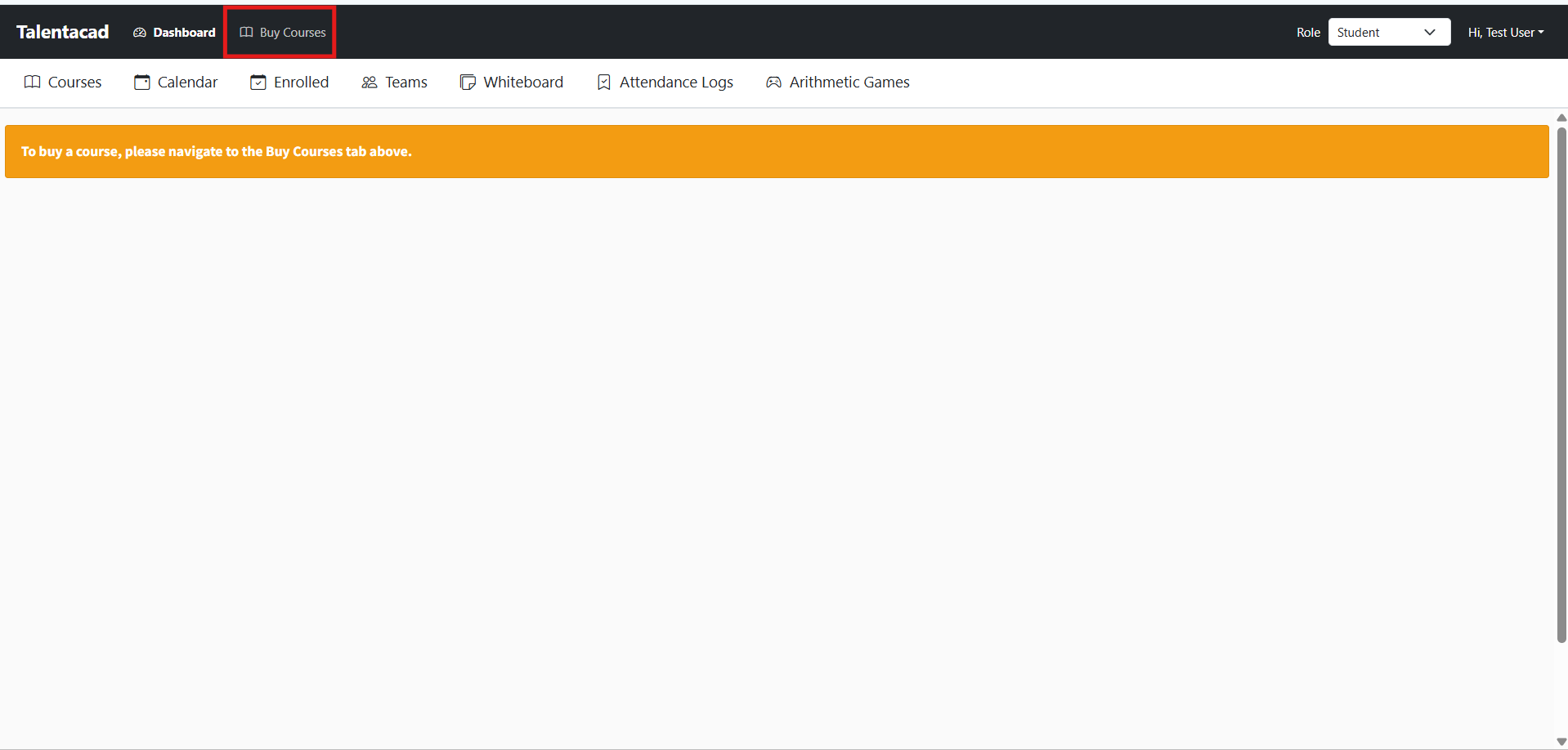
7) Select a Course
Choose the required course
Click on Enroll or Add to Cart
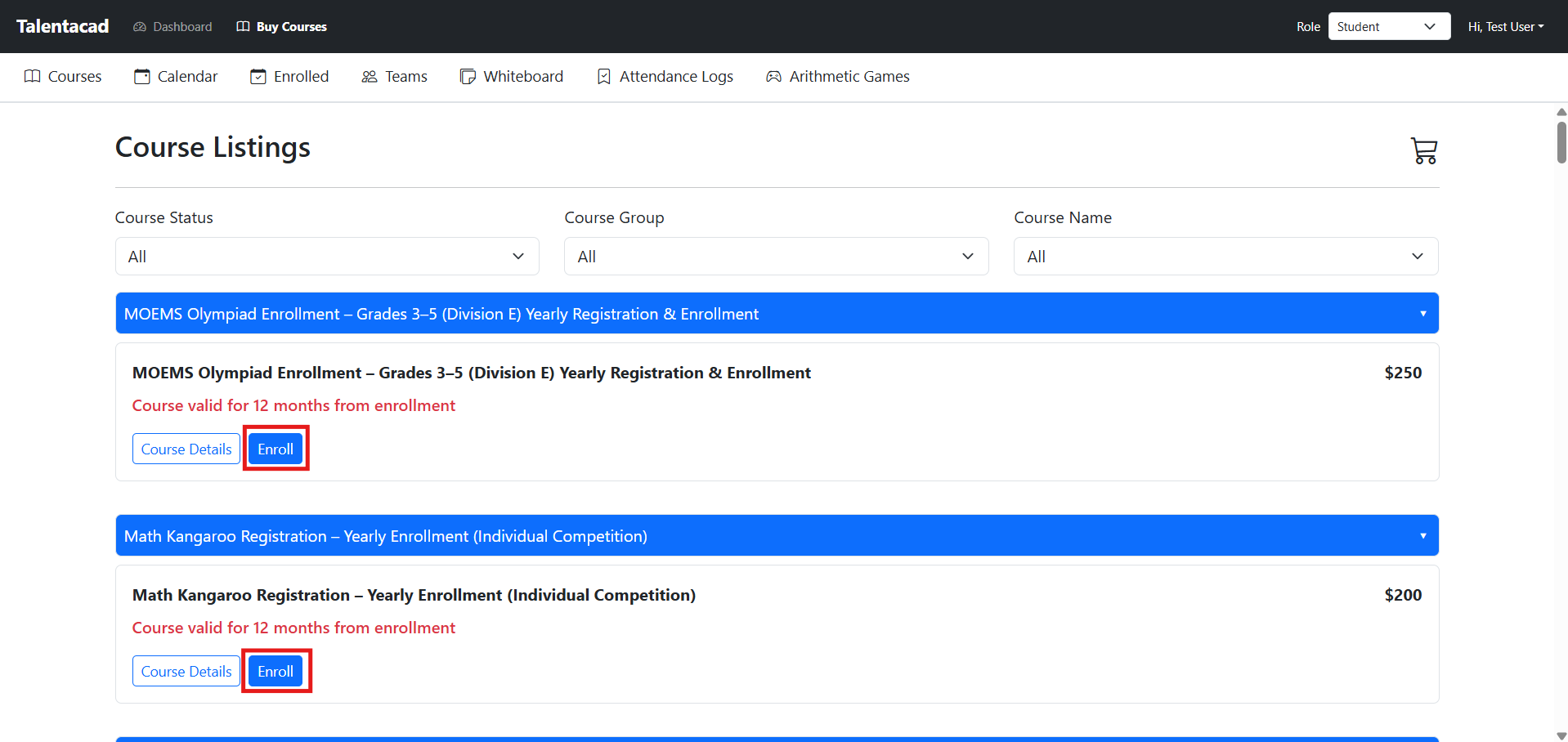
8) Review Cart
Go to the Cart
Review selected course(s) and pricing
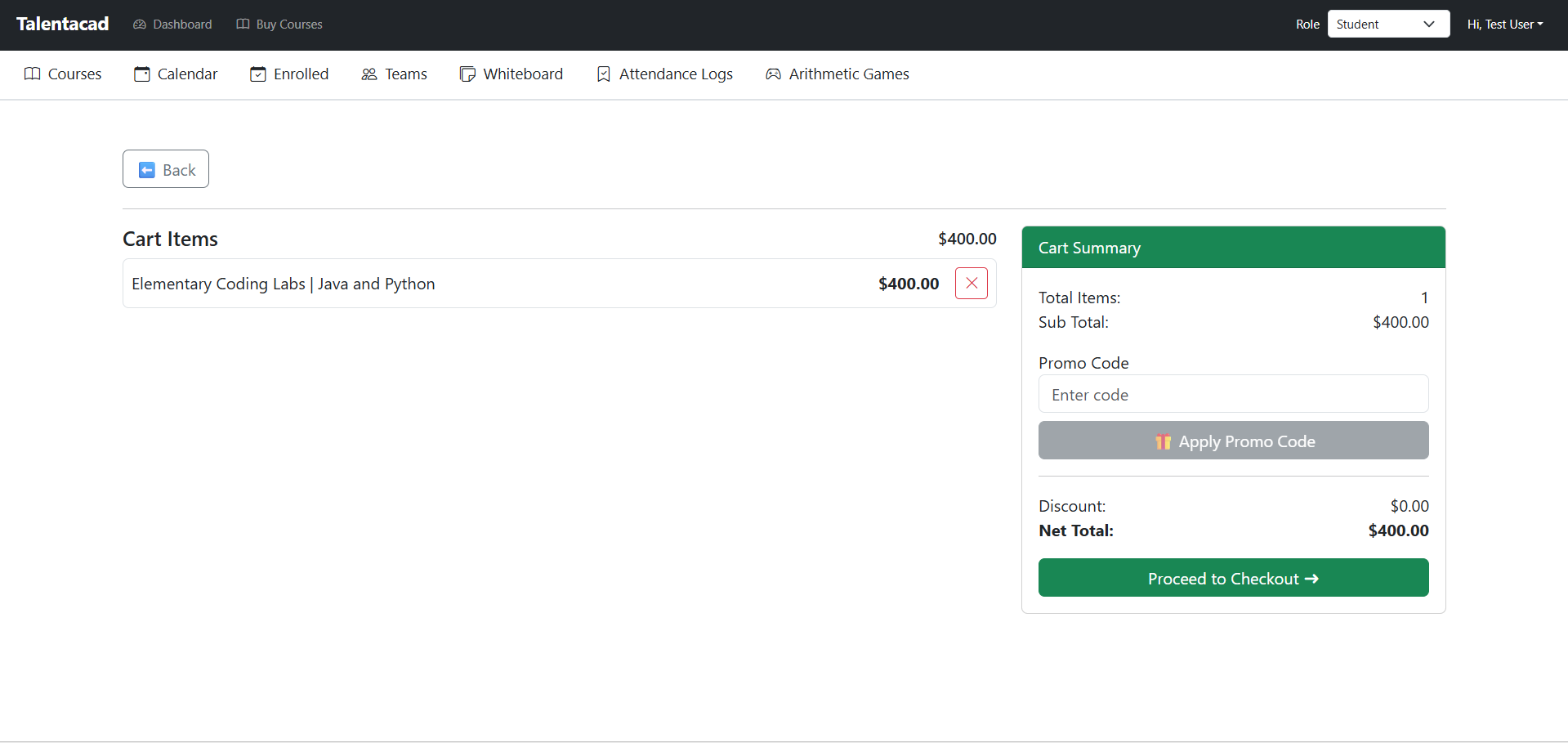
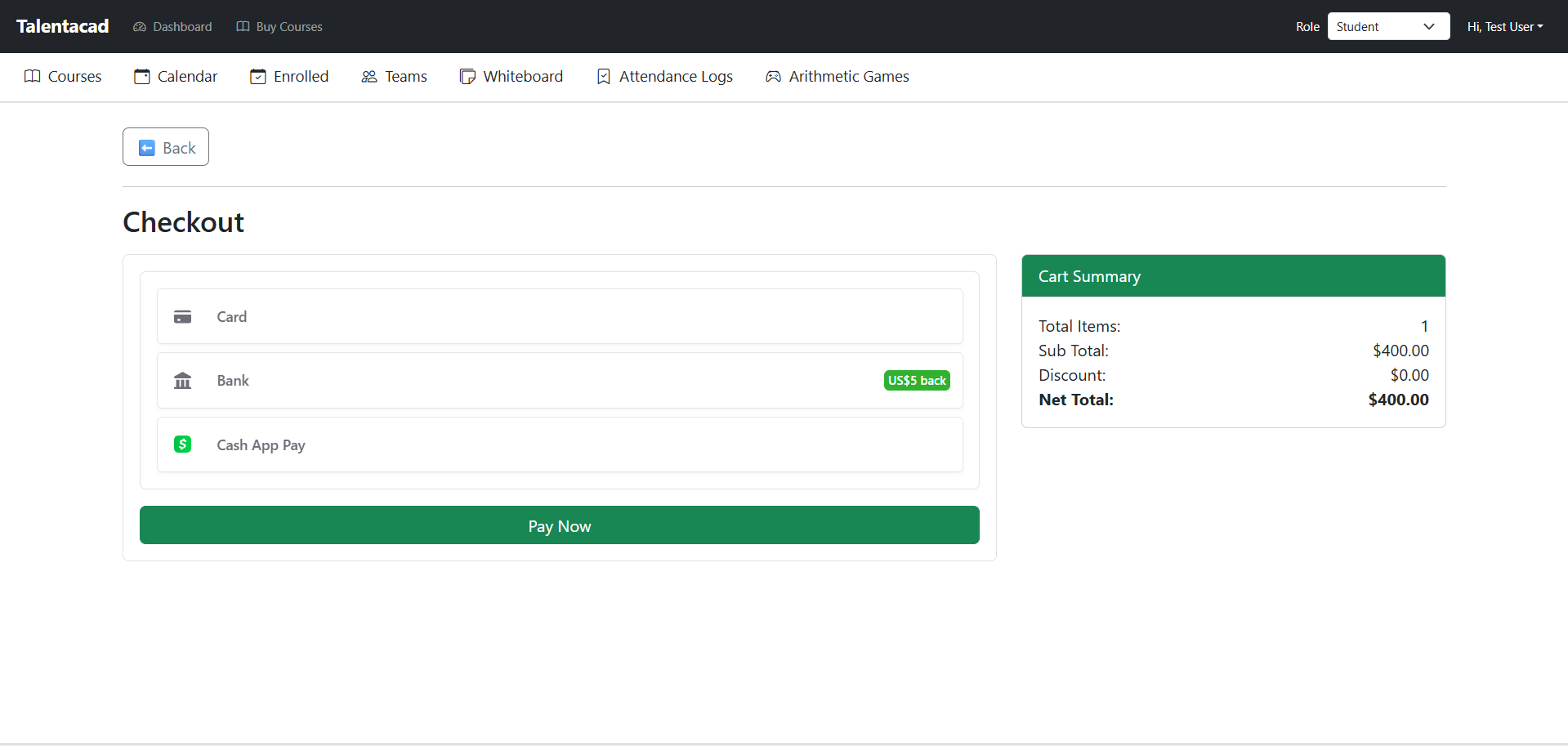
9) Checkout and Purchase
Click on Checkout
Complete the payment process securely
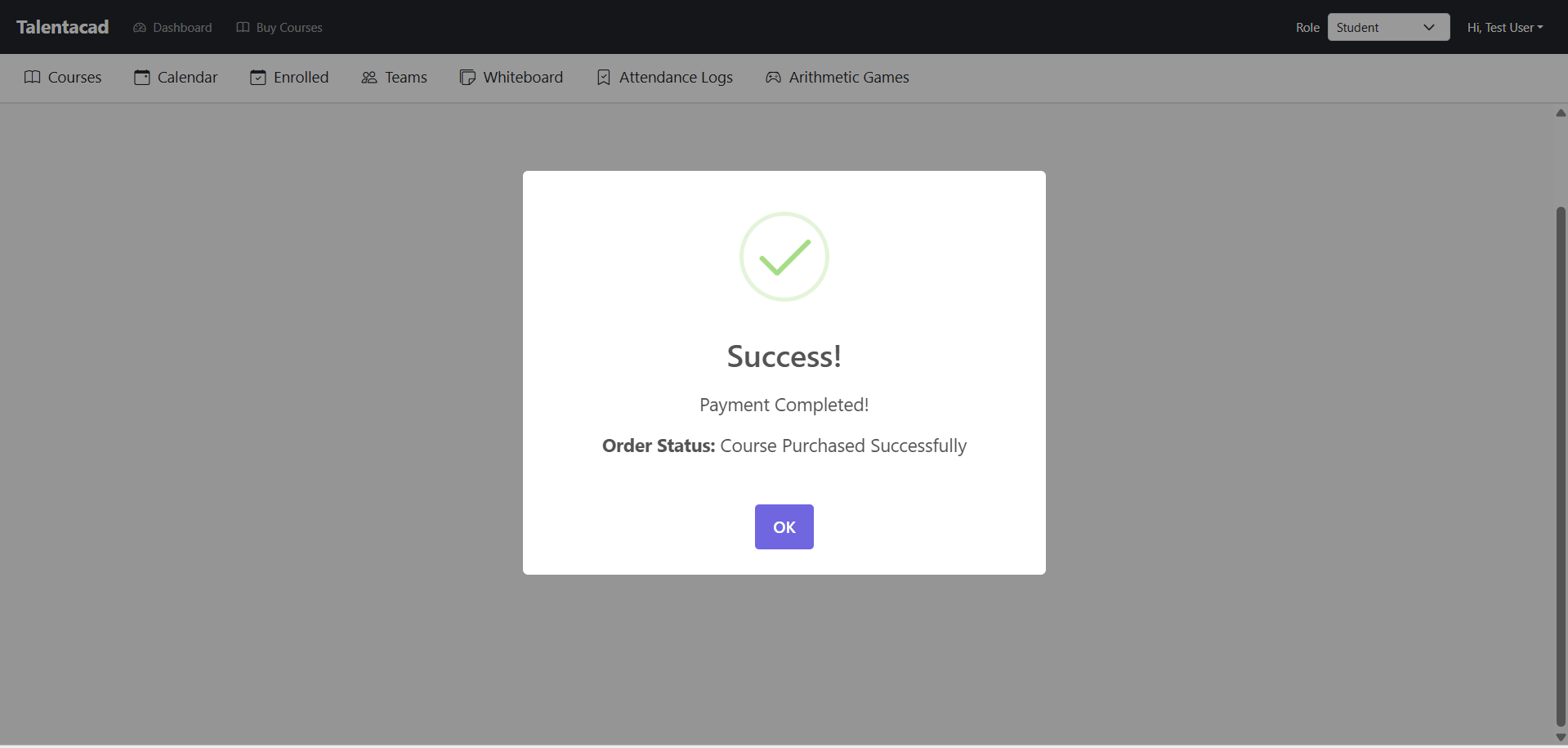
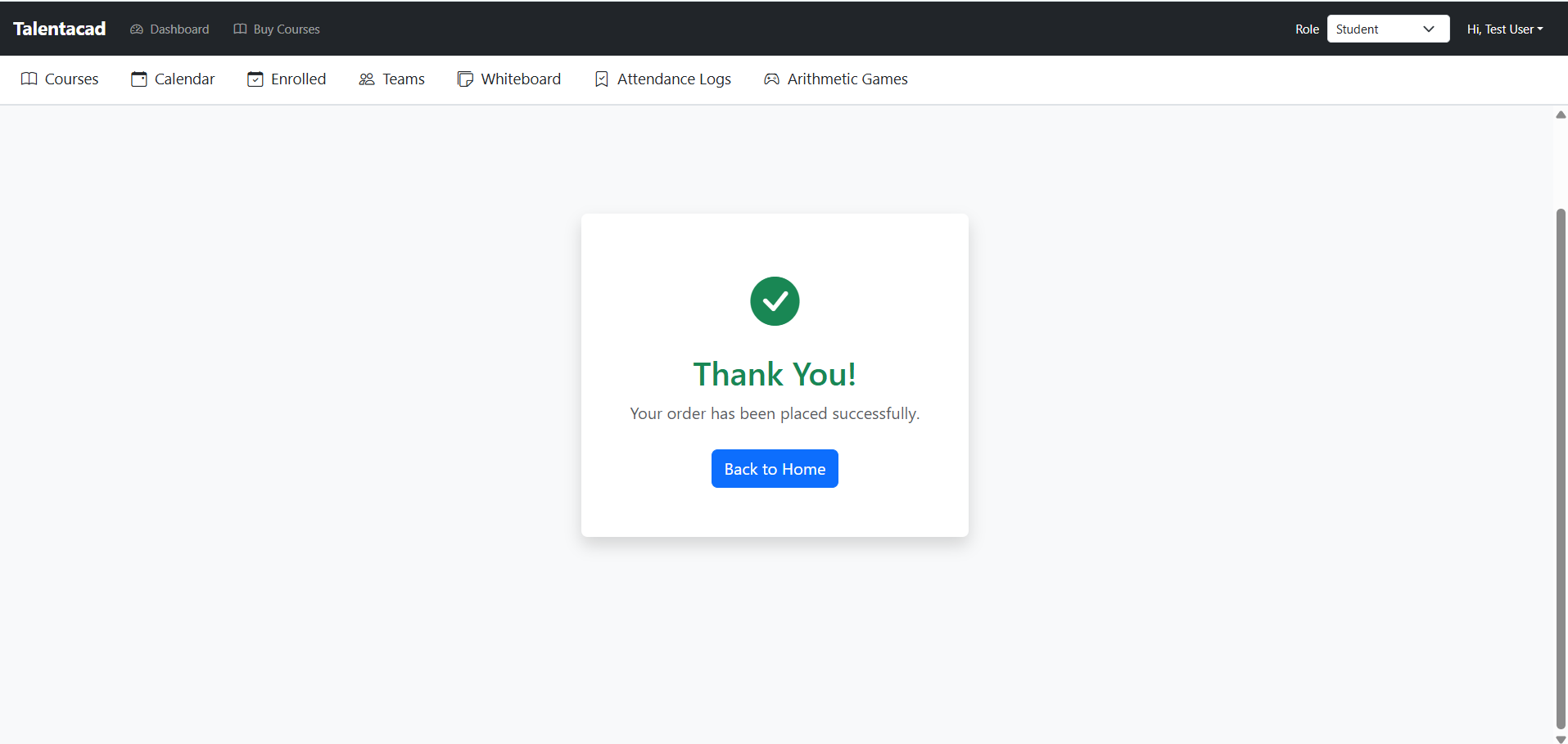
Once payment is successful, the course will be purchased and activated.
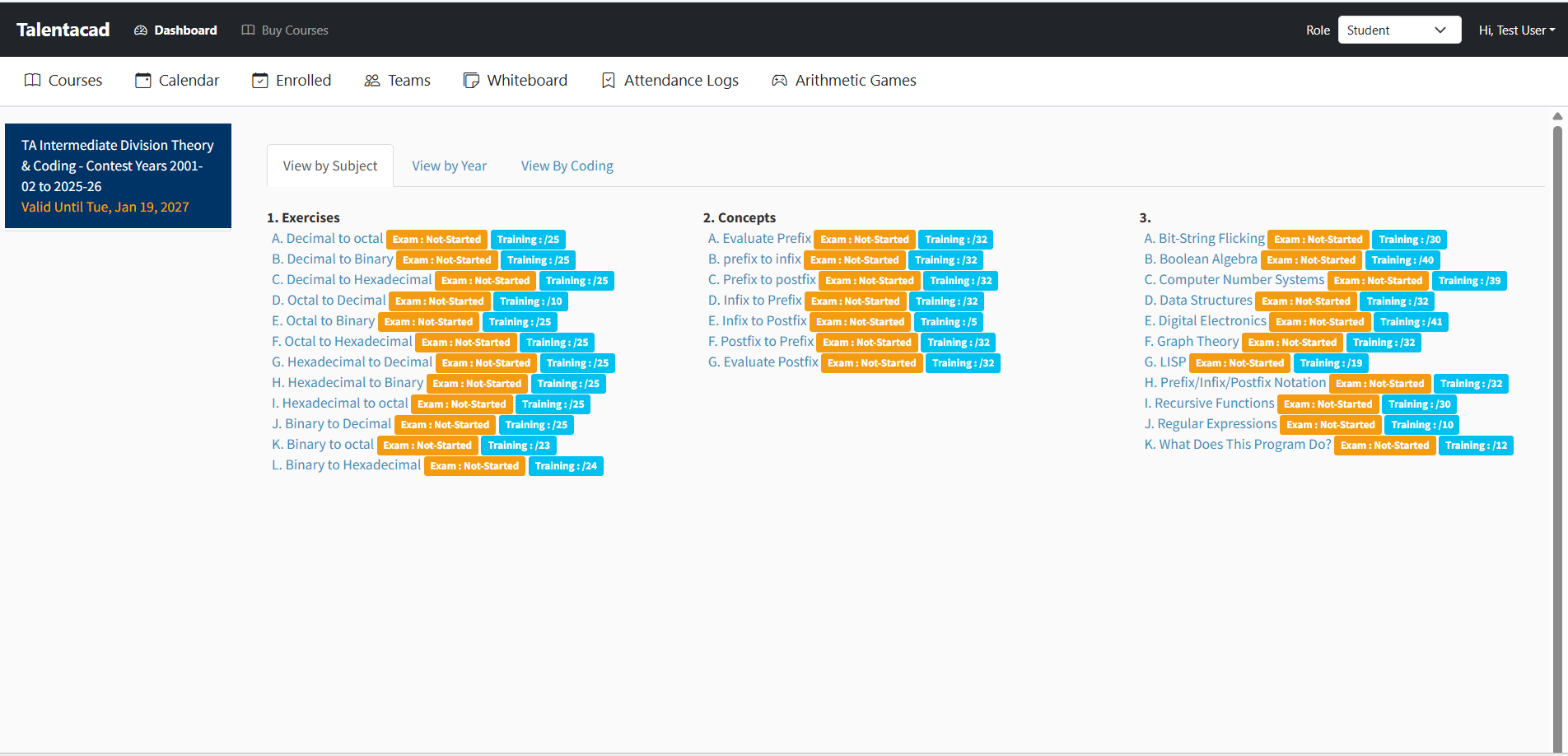
10) Access Purchased Course
Go back to the Dashboard
Navigate to My Courses
Start accessing the enrolled course content
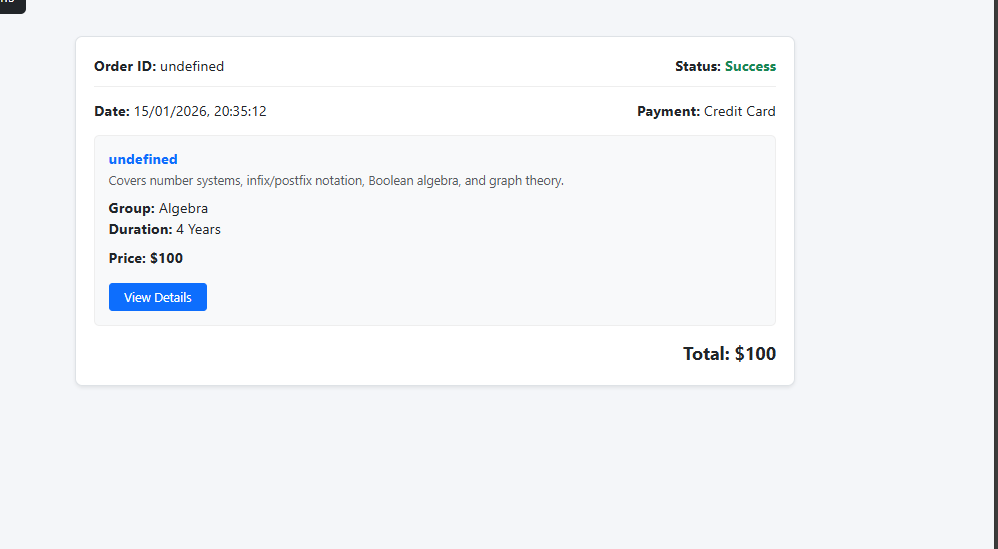
11) View Order History
From the Dashboard, open Order History
View all purchased courses, payment details, and invoices
12) Attempt Contest Exam (View by Year)
Go to My Courses from the Dashboard
Open the purchased course
Choose the required year
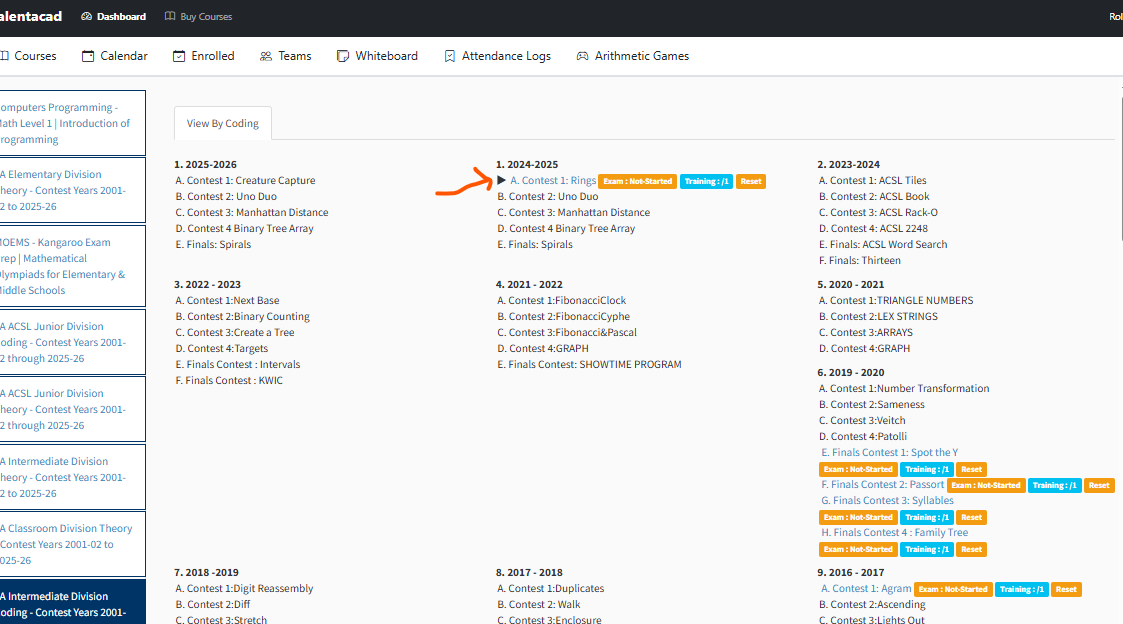
Attempt the contest exam according to the selected year